
Search Tips
Use these tips to search for housing.
Begin Searching
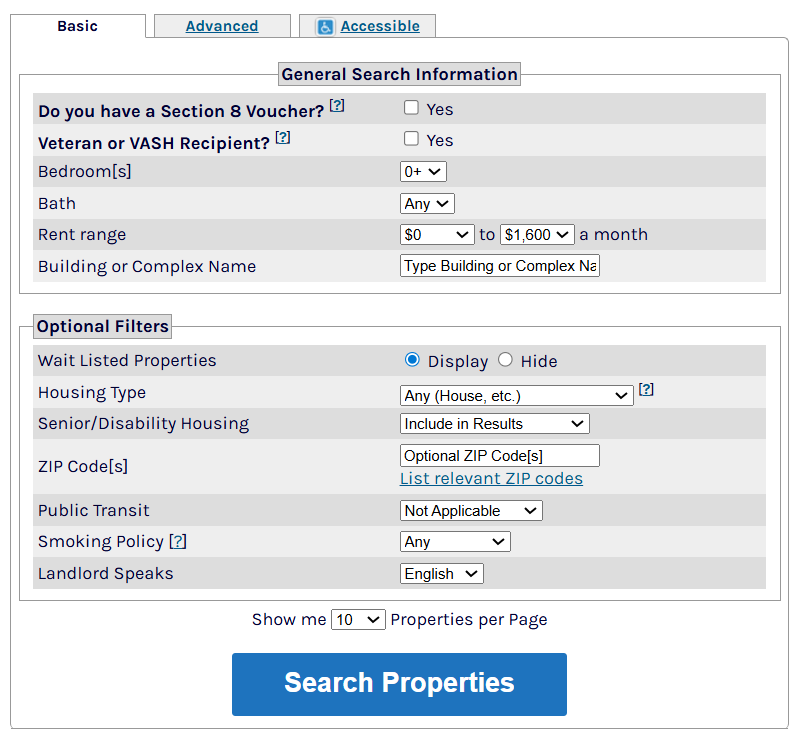
Select the city. Then select your search criteria and click Search Properties.
View Results
The next page will show results for the area you searched. Click a listing to see full details.
Do you see too many results?
- Click Hide Wait Listed Properties to only see rentals that do not have wait lists.
- Click Refine or Restart Your Search to go to a screen that will let you add more criteria to your search.
Do you need more results?
- Click Refine or Restart Your Search or Click here to try another search.
- On the next screen, click Choose a different area at the top-right of the search box.
Use the Map
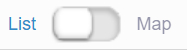
- Click Map at the top-left of the search results to display results on a map.
- Click map pins to see property information highlighted in blue next to the map.
- Click anywhere on the map to begin a new search.
Sort Results
- Use the menu at the top-right to sort listings by rent, building type, location, date available, and more.
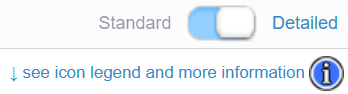
- Click the word Detailed to immediately see full contact information, deposits, and more.
- Click see icon legend and more information to see a key to the icons on each listing and to use the Temporary Favorites feature.
- Click the star in the bottom-left of each listing (in the photo) to favorite a property. Follow on-screen instructions to add favorites to a page you can view, print, and share. Select listings to compare side by side.



Still searching?
Get emails about listings that match your search.
- Click Save this Search at the top of your search results.
- On the next screen, click Need a Search Notification Account?
- Follow on-screen instructions to register for a FREE account to receive emails about new and updated listings that fit your needs.
Do you need help searching? Call 1-877-428-8844 (toll free)
Se habla español. Dial 7-1-1 for TTY. info@myhousingsearch.com


